Emulator / Testing
The emulator also writes the report
Both ways press remote-control keys on your app and produce the same kind of report. The report says which one produced it.
Two ways
Exploration
Exploration
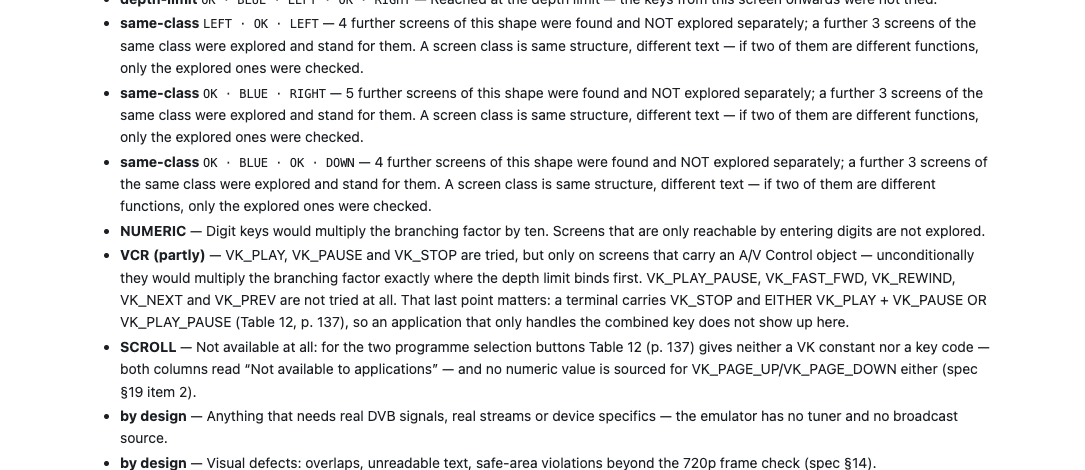
The emulator presses the keys itself and visits as many screens as it can find. Nothing to set up. It will not reach everything — and the report lists what it did not reach, which is the part most tools leave out.
Scenario
You walk through the app once with the keys, the recording gets a name, and you replay it after every change. The first replay becomes the baseline; later runs are compared against it.
This is the way for things a search structurally cannot reach: number keys, free-text fields, a specific video operated deliberately.
The report
What a report contains
- Findings
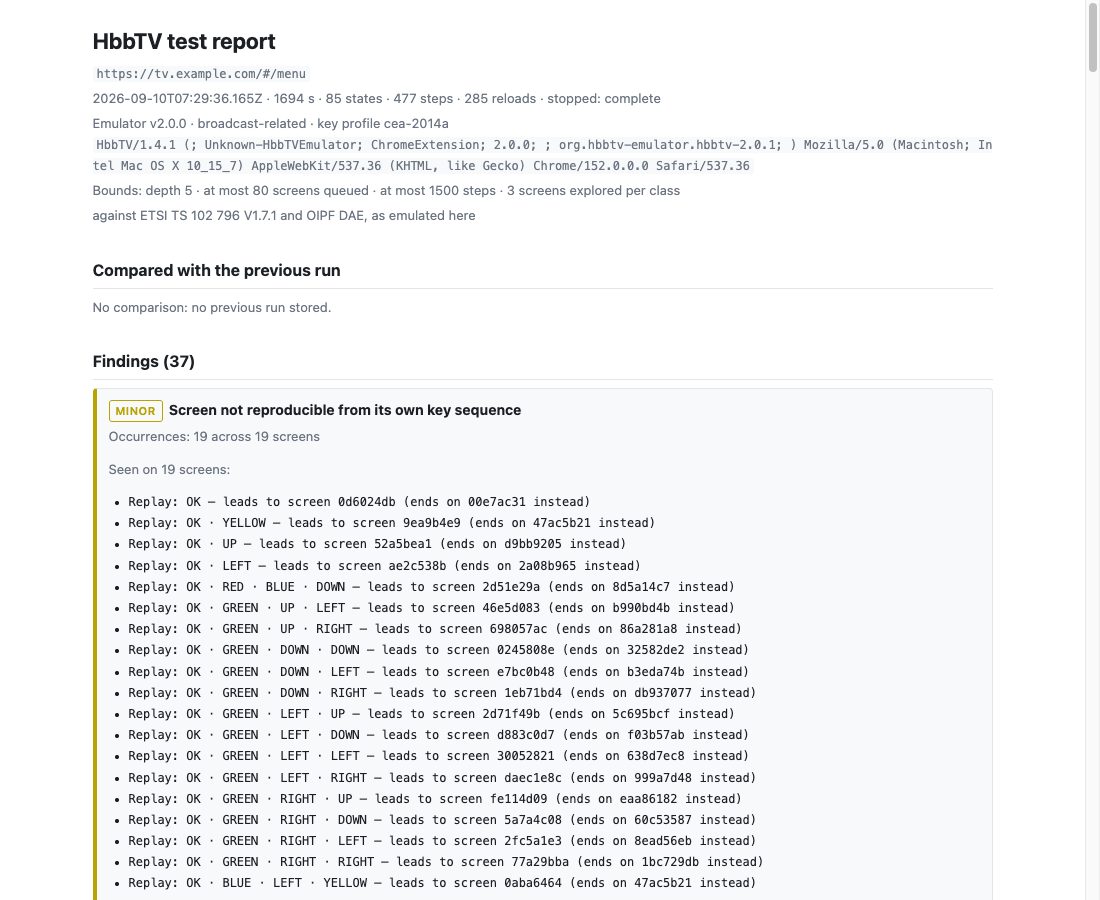
- Where your app does something a television would not accept. Most name the passage in the standard; where no passage covers the case, the finding says so. “Replay” presses the same keys again so you can watch it happen.
- Emulator limits
- Where the emulator behaves differently from a television. These are not defects of your app, and keeping them in a separate section is the difference between a report you act on and a report you argue with.
- Not reached
- What the run did not cover, so you know what the report cannot say.
- AI summary
- Optional, with your own Anthropic key. A model rephrases and prioritises the findings. It never adds or removes one: severity and the standards citations are decided before the call. The model phrases and weighs; it does not classify.
A real report
Citations
92 rules, and a citation where a citation belongs
Findings are not opinions. Where a rule asserts that your application departs from the standard, it carries the clause it departs from, and the citation and its page number are machine-checked on every release of the tool — 1,077 citation sites on the last run.
Not every rule carries one, and the tool does not pretend otherwise. A rule that reports a limit of the emulator, or that simply records what happened, has no clause to cite because it is not claiming a deviation. Of the 76 places in the polyfill that can report something, 33 carry a citation and 9 are on the open list — each one either gets a citation or a written statement of why it has none. That list is in the tool's own repository, not on this page, which is the point.
Readability
Why the report is short
An early run against a real broadcaster application produced 53 findings. Twenty-three of them were one rule and twenty-one were another: 299 of 348 lines, 86 %, were two rules — and the four playback errors that actually mattered were buried underneath.
Like findings are now shown as one block: the explanatory prose once, every key sequence in full. 456 lines became 220; 53 findings became 9 blocks. What is grouped is the display, not the measurement — the JSON export and the run-to-run comparison still carry every finding individually.
We mention this because it is the kind of thing a test tool usually hides. A report nobody reads is not a test result.
Repeatability
Every run starts from the same place
Each run reloads the site with its cookies and storage cleared, so the app begins identically every time. Anything you are signed in to on that site will be signed out, other subdomains included. What the run cannot clear — HttpOnly cookies, a session held on the server — the report names as “reset incomplete” rather than quietly ignoring.
Comparing two runs
Export as HTML to send on (self-contained), JSON for a build pipeline, or Markdown for a ticket. Two runs can be diffed, so after a change you see 12 fixed · 0 new rather than reading 200 lines again.
Measured
Our reference app is a production broadcaster application we also built. Under a recorded scenario it produced 0 findings of run#not-reproducible, against 23 in an exploration run of the same app.
Read the Bibel TV case study